How it works
-
Tap the sign
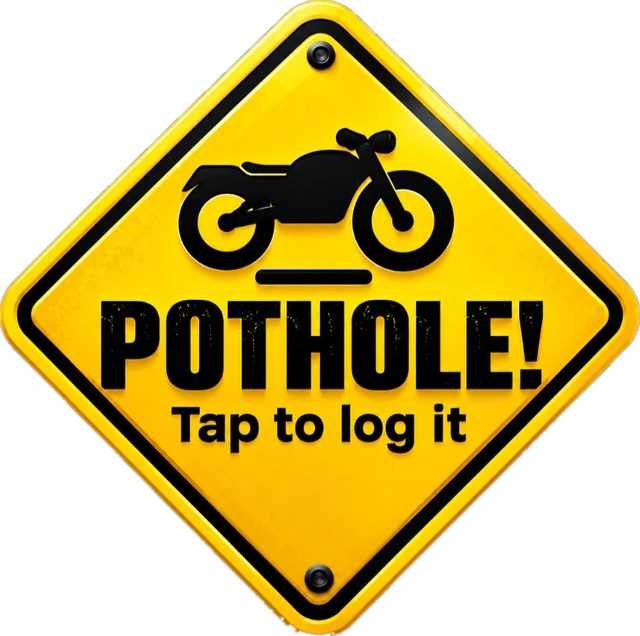
Phone on the mount, one tap as you pass a pothole. Or your pillion taps. The screen edge flashes green so you know it's logged without looking twice, and red if you missed the button.
-
It works out who fixes it
The app looks up the road, suburb and your direction of travel. Main roads go to VicRoads. Everything else goes to the right council, and it knows all 79 in Victoria.
-
Send it from your own email
When you're off the bike, one tap opens a ready-to-send email with the GPS spot, a map link and the time. It goes from you, with your name on it, so councils treat it as a real complaint from a real rider.
Made for riding
Designed by riders, for riders. Every feature is there because someone needed it on the bike: big targets for gloved hands, nothing to read at speed, and feedback you can catch out of the corner of your eye.
Pothole-ahead warnings
A voice or beep warns you about potholes other riders have logged on the road ahead, going your way.
The riders' map
Every pothole riders have found, coloured by age. Ridden past one? Say it's gone, “fixed”, or still there.
One tap from your home screen
On Android, press and hold the app icon for a Log a pothole shortcut. It logs one the moment the app opens.
Drop a pin
Remember one from yesterday's ride? Place it on the map and it's sent as an estimated location.
Works with no signal
Out in the hills with no reception? It still logs the spot and looks up the road once you're back in range.
No double-ups
The app remembers what you've already emailed, so councils don't get the same pothole from you twice.
Ride with your nav app, side by side
Most Android phones can show two apps at once. Put Google Maps, Waze or your favourite nav app on one half and the pothole sign on the other: directions and one-tap logging on the same screen, and pothole-ahead warnings keep working while the app's on screen.
- Open your nav app, then this app.
- Open your recent apps (swipe up and hold, or tap the square button).
- Tap the icon at the top of one app's card and choose Split screen (Samsung: Open in split screen view). Then pick the other app.
- Drag the middle bar to give the map more room. The sign still works at half size.
iPhones don't do split screen, so on an iPhone switch between the apps instead.
Worst offenders
Councils with the most potholes riders have reported in their area, live.
VicRoads roads Potholes on VicRoads roads statewide. They also count in their council's area above.
Put it on your phone
It's a web app, so there's nothing to download from an app store. Open it once and add it to your home screen.
Android
- Open motopotholereporter.au in Chrome.
- Tap the sign once and choose Allow for location.
- Chrome menu ⋮ → Install app. Choose Install, not “Create shortcut”.
- Press and hold the new icon for the Log a pothole shortcut.
iPhone
- Open motopotholereporter.au in Safari.
- Tap the sign once and choose Allow for location.
- Tap Share → Add to Home Screen.
Your privacy
What goes on the riders' map
Only the spot, which way you were going (to the nearest 10°) and the day. You can turn sharing off in the app.
What never leaves your phone
Your name, phone number and email stay on your phone. They only go in the emails you choose to send. No account, no tracking, and no time of day or IP address is stored.